We use our own and third-party cookies to analyze our services and show you advertising related to your preferences based on a profile developed from your browsing habits (e.g. pages visited). You can accept all these cookies by clicking on the ACCEPT button or configure them or refuse their use by clicking on the COOKIE CONFIGURATION section.
Fernando Gallego Operations & Innovation Manager Telecommunications Engineer
9 September 2026
Share
Contents
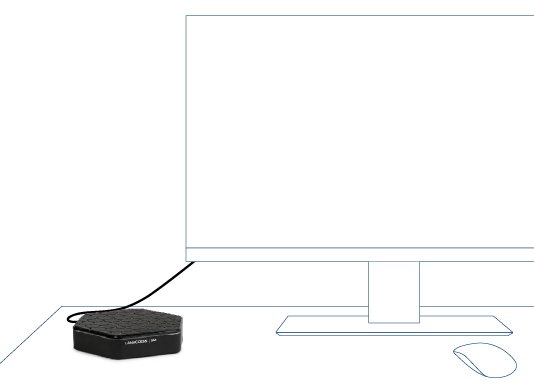
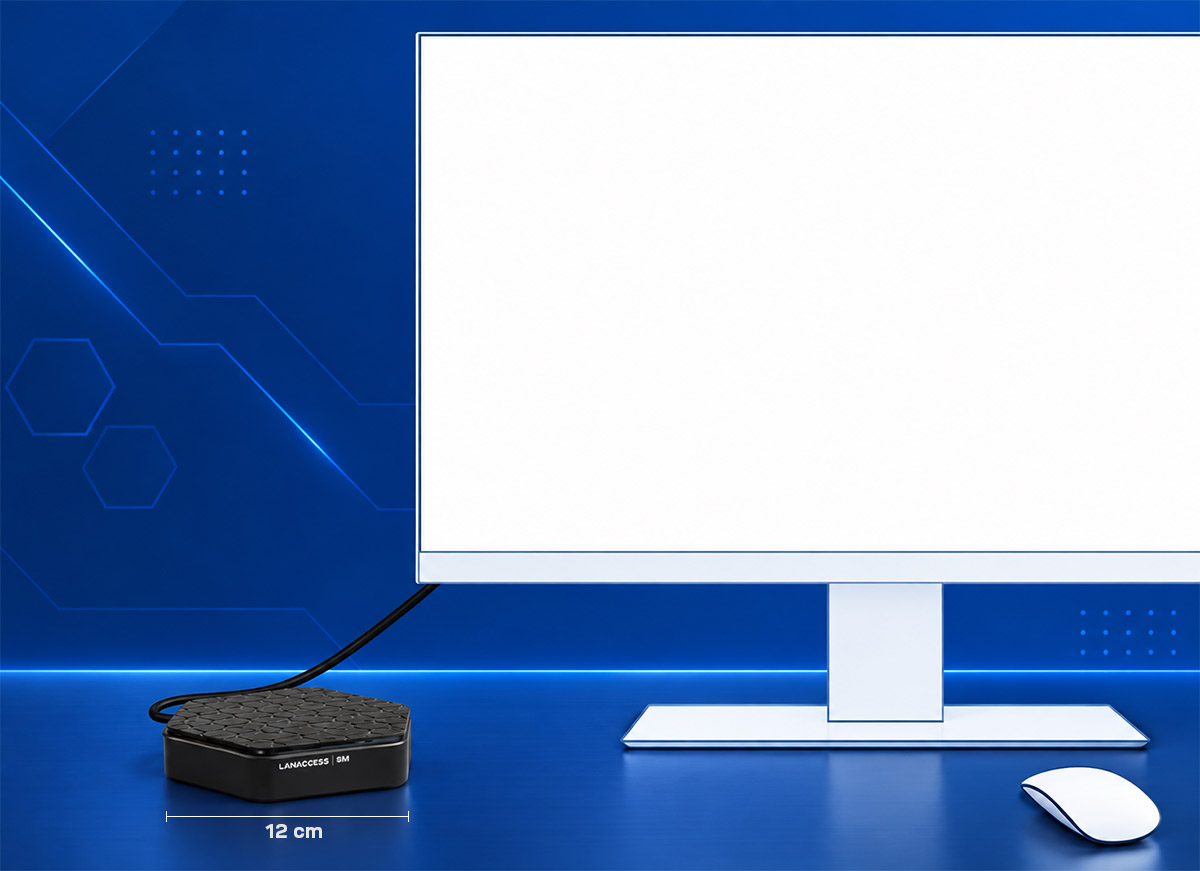
Not every surveillance station needs a general-purpose computer. When the operator’s role is focused on monitoring the installation, the Lanaccess Smart Monitor is the ideal solution. It allows you to create a surveillance station connected directly to the monitor and the video surveillance network, without the need to install a PC.
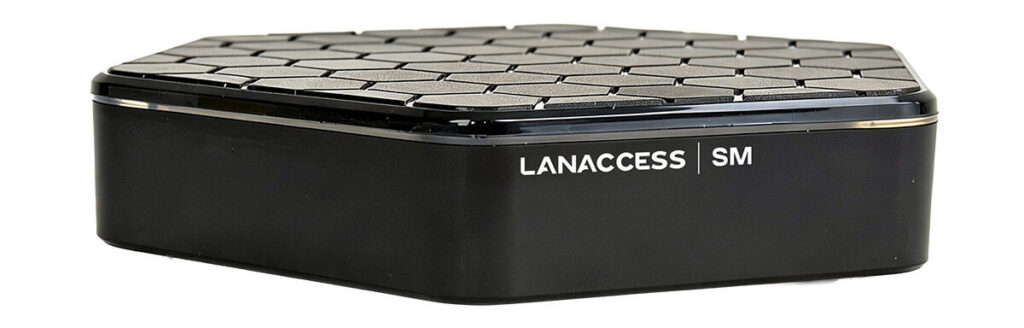
Lanaccess Smart Monitor
How the Smart Monitor Works
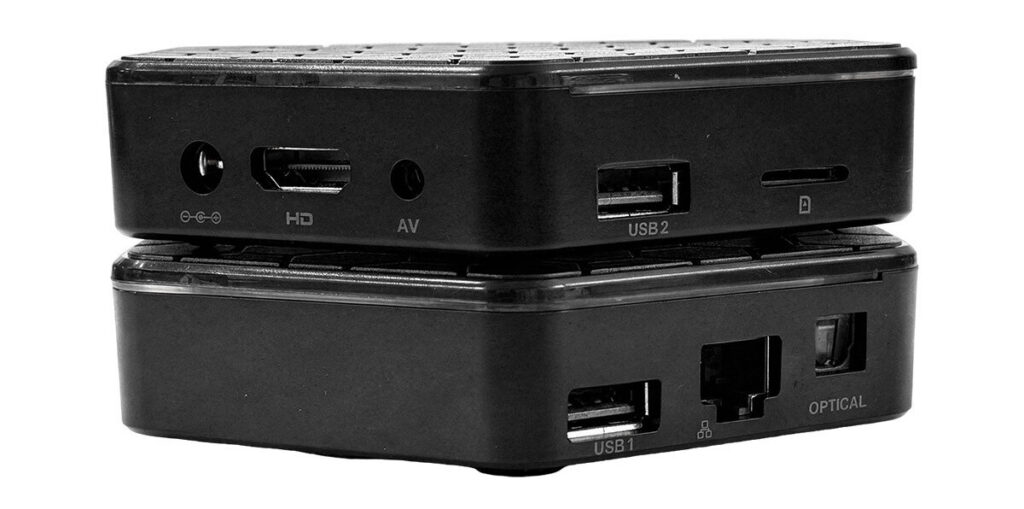
Measuring 12 × 12 × 2.2 cm, the device can be attached directly to the monitor. The monitor connects via HDMI, while communication with cameras and video recorders takes place over the existing IP network.
Available Smart Monitor connections for integration into the surveillance station
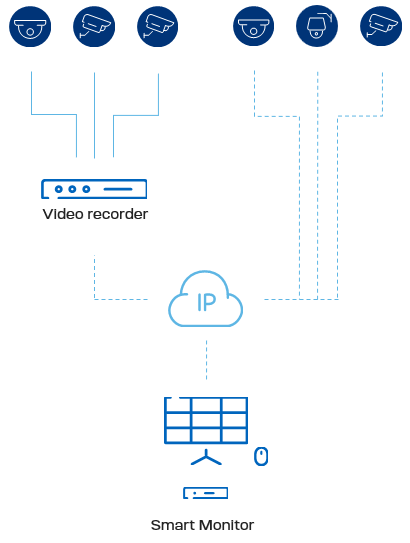
Smart Monitor integration diagram showing cameras and video recorders connected via the IP network
Because it works with ONVIF sources, the Smart Monitor can be integrated into installations with compatible cameras without the need to replace them.
Viewing and Control
The operator can view layouts of up to 25 cameras and manage up to 8 video recorders simultaneously.
They can also control motorised cameras, view recordings and download them to a USB device. The system includes additional security measures: before a recording can be downloaded, the user must authenticate.
The Smart Monitor only requires a monitor and, if the monitor is not touchscreen-enabled, a mouse or joystick to make it a standalone video surveillance station.
Video Resolution
The video output supports resolutions of up to 4K at 60 fps, allowing high-resolution monitors to be used to their full potential.
When several cameras are displayed simultaneously, the Smart Monitor automatically selects the appropriate video stream for each view. When a camera is enlarged on screen, it uses the stream that provides a higher level of detail.
Remote Management
The unit has its own web server, which allows the firmware to be updated, the configuration language to be changed and its status to be checked remotely.
Final Thoughts
Some surveillance stations are primarily used to view cameras, operate the system and view recordings. In these cases, there is no need for a general-purpose computer.
The Smart Monitor provides a simple, secure and efficient solution for this type of surveillance station. It integrates with the existing IP network, protects recording downloads through user authentication and adapts the video stream to the viewing requirements.
Lanaccess technology continues to evolve. We know your organisation is evolving too – tell us about your current security challenges, and we’ll help you find the best way to address them.